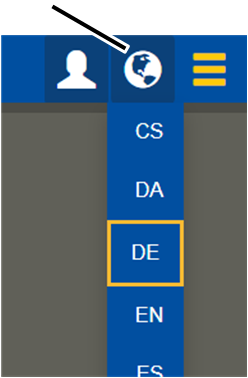
"Language" button
KranOS and the messages on the LED matrix display are shown in German by default. The language can be changed when you log in to KranOS.
For this work step, access from a laptop or tablet computer to KranOS is necessary. The user "Service" (user level ‚[1]) or "Abnahme" (commissioning) (user level [2]) can be logged in. However, access is also possible without login (user level [0]).
|
"Language" button |
|
|
| |
|
|
|
 Click on the "Language" button
(globe).
Click on the "Language" button
(globe).
● A list is displayed with the available languages.
Select the desired language.
● KranOS and the messages on the LED matrix display are switched to the selected language.